I've been living in AI prototyping tools like V0, Bolt, and Lovable for months, and the truth is messier than the hype. Here's what nobody tells you about AI-assisted design and where these tools actually shine versus where they secretly hurt your process.
Tools
30/08/2025
Everything Looks the Same
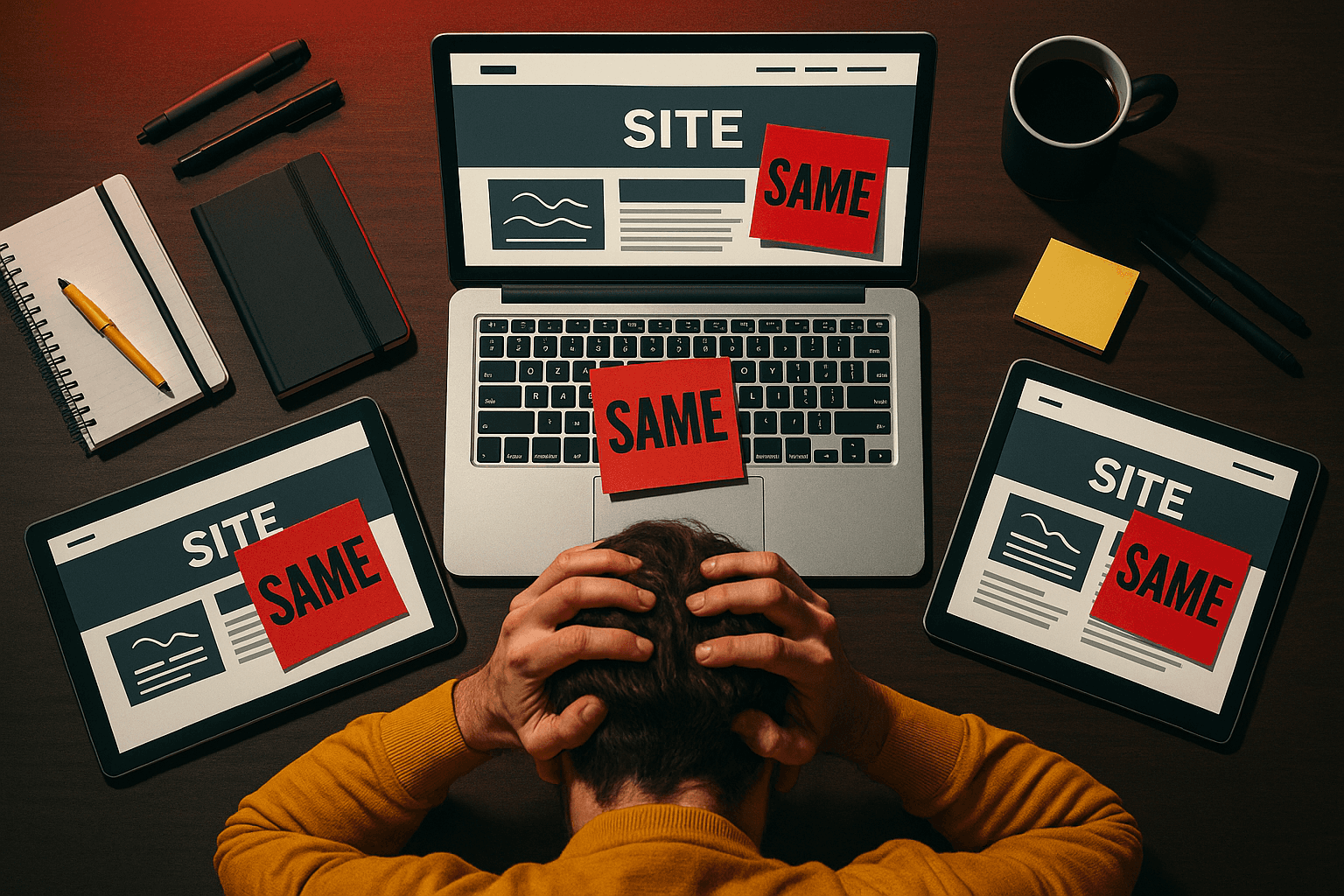
After my 40th prototype, I noticed something alarming about the outputs. Every V0 result looked like every Bolt result, same layouts, same patterns, same vibe. AI is only as creative as its training data. Your "custom" solution is the same one 1,000 other designers are using right now.
Polish Becomes a Problem
Figma Make generates outputs so polished that stakeholders immediately ask, "When can we ship this?" But a prototype isn't the final product, it's supposed to help you learn and test assumptions. When something looks finished, your brain treats it as finished. You stop exploring alternatives, and I've caught myself doing this too.
Hidden Technical Nightmares
AI-generated code looks legitimate on the surface. But I've found security holes and architectural nightmares hiding in there that only show up later. If you're not experienced enough to spot these issues, you won't catch them until production. And if you keep using AI for things you don't understand, you never build that expertise.
Use AI Strategically
So should you avoid AI prototyping completely? No, but use it strategically for stakeholder demos, testing specific interactions, and exploring wild ideas like voice interfaces or gestures. AI prototypes are conversation starters, not final answers. The goal isn't prototyping faster, it's learning faster, and these tools are amplifiers that make good processes better and bad processes worse.